




Top tips to ensure that your child uses their answer sheet correctly
1. Learn how to note answers correctly
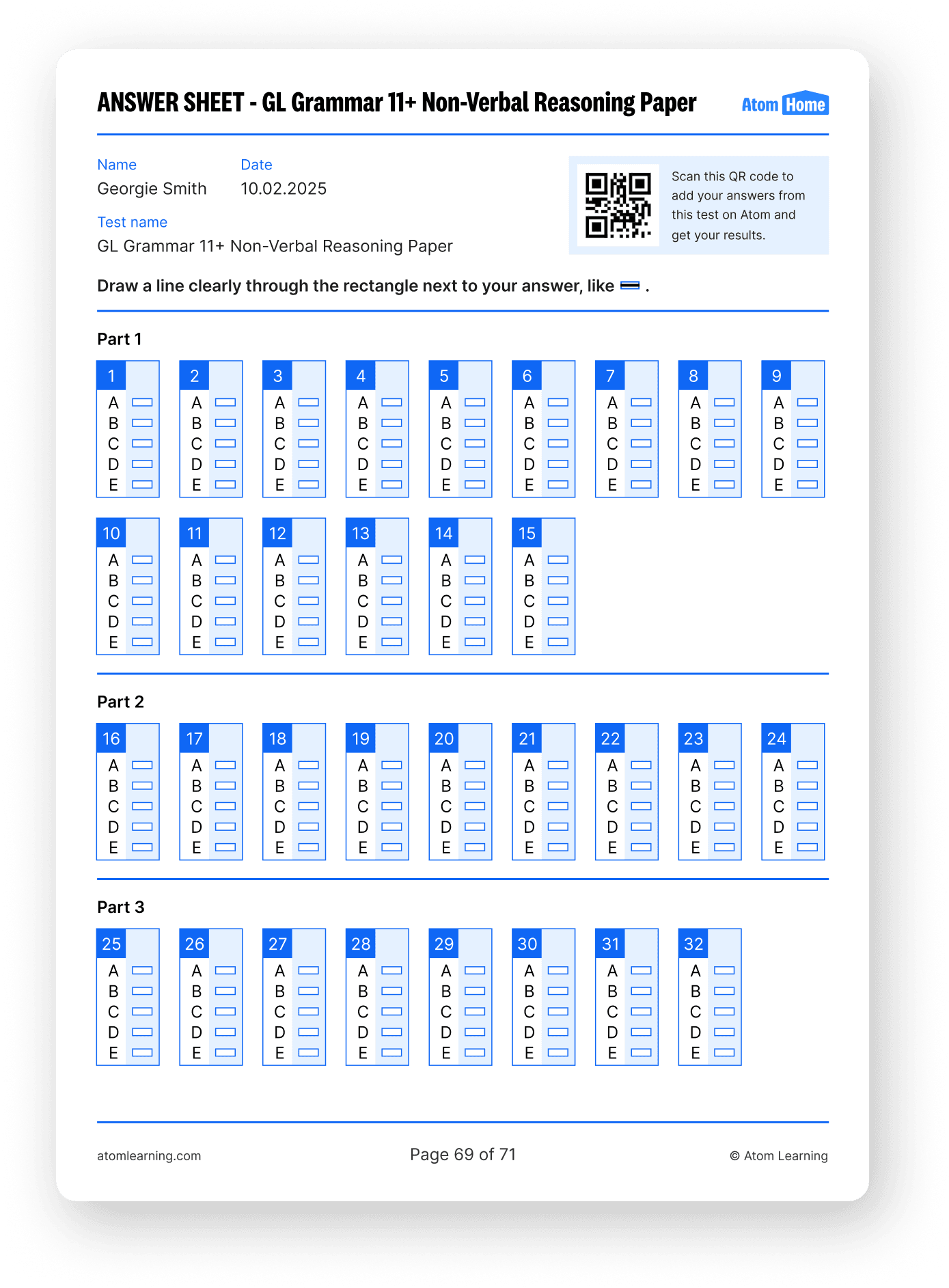
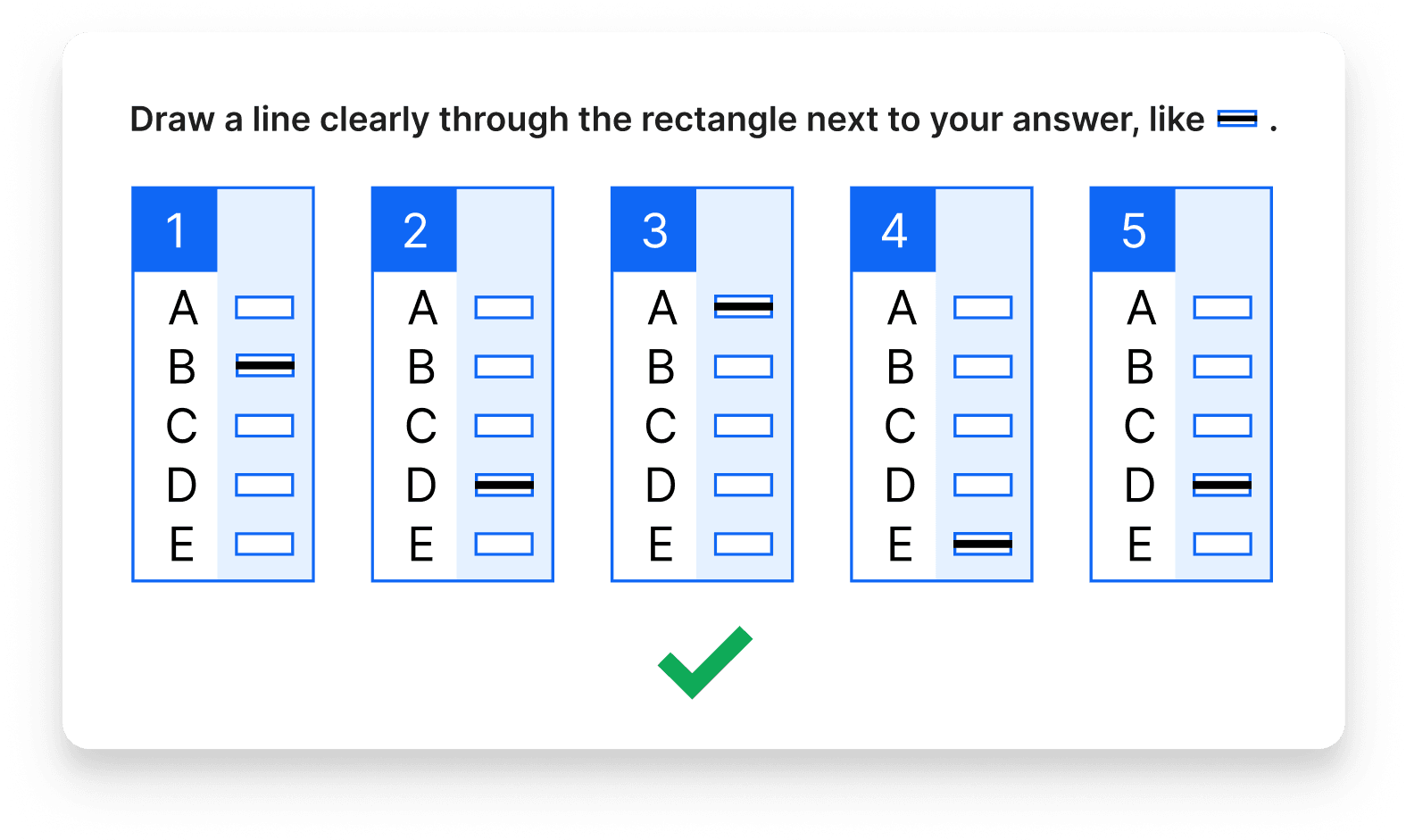
Before your child even begins answering 11+ questions, it’s essential that they learn the format for marking their answers correctly.
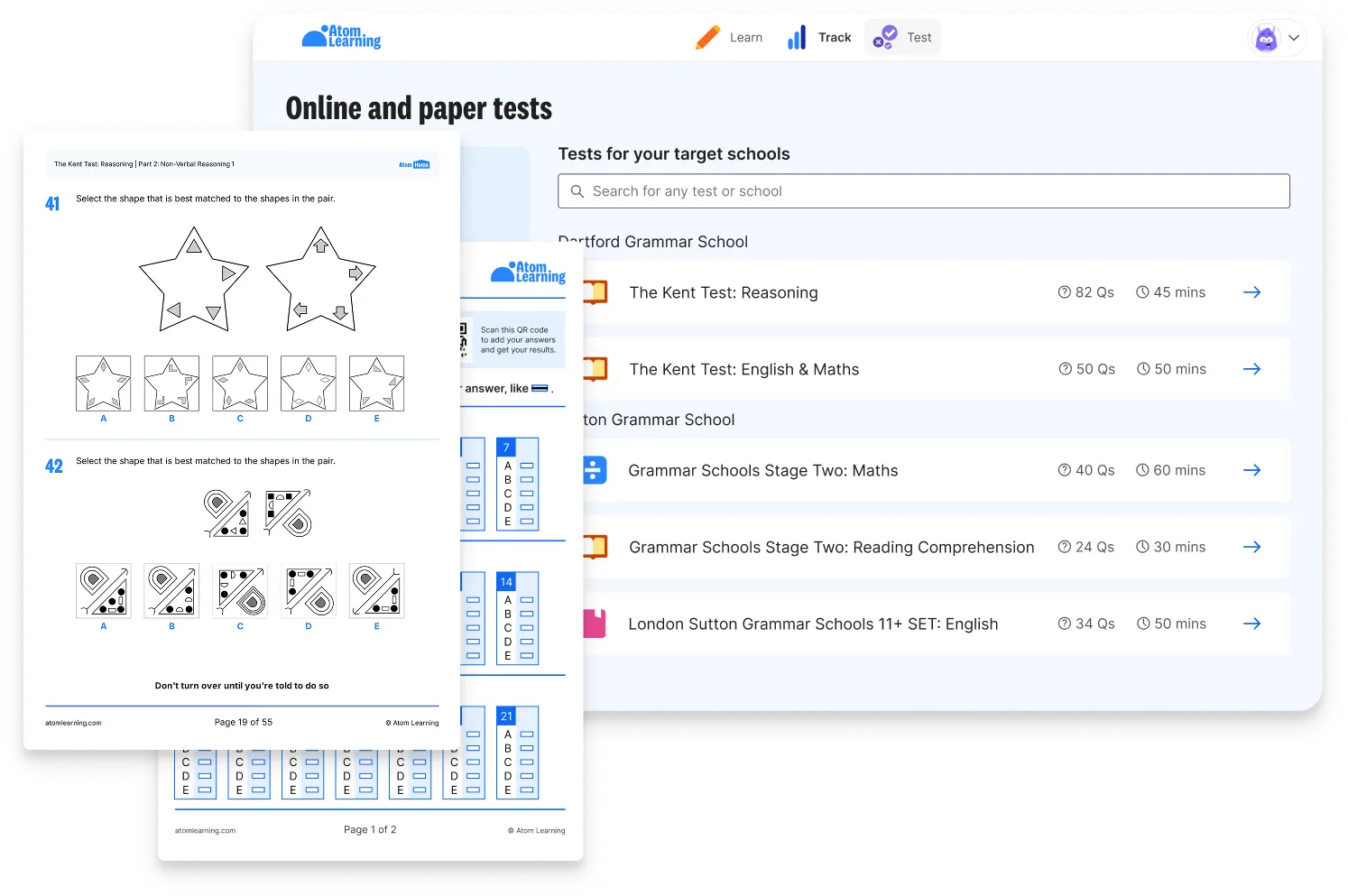
Atom’s new Answer Scanner is a fantastic tool to help your child practise filling in their answer sheets correctly. Our Answer Scanner mimics the same technology used to mark the 11+ exam papers. You can upload photos of completed answer sheets and receive instant feedback.
This is an excellent way to check whether your child is correctly filling in their answer sheets.
2. Check the answers match the question
A common mistake in the 11+ is children knowing the correct answer to a question, but marking it incorrectly on the answer sheet.
When children are rushing or not paying close attention, it’s easy to fill in an answer for the wrong question number accidentally. Unfortunately, this kind of slip-up can cost valuable marks.
That’s why your child must check they’re marking answers on the correct line as they go. Encourage them to stay calm, keep track of their place, and double-check numbers regularly throughout the paper. Accuracy matters just as much as speed.
Atom’s mock tests are perfect for practising this under timed conditions.
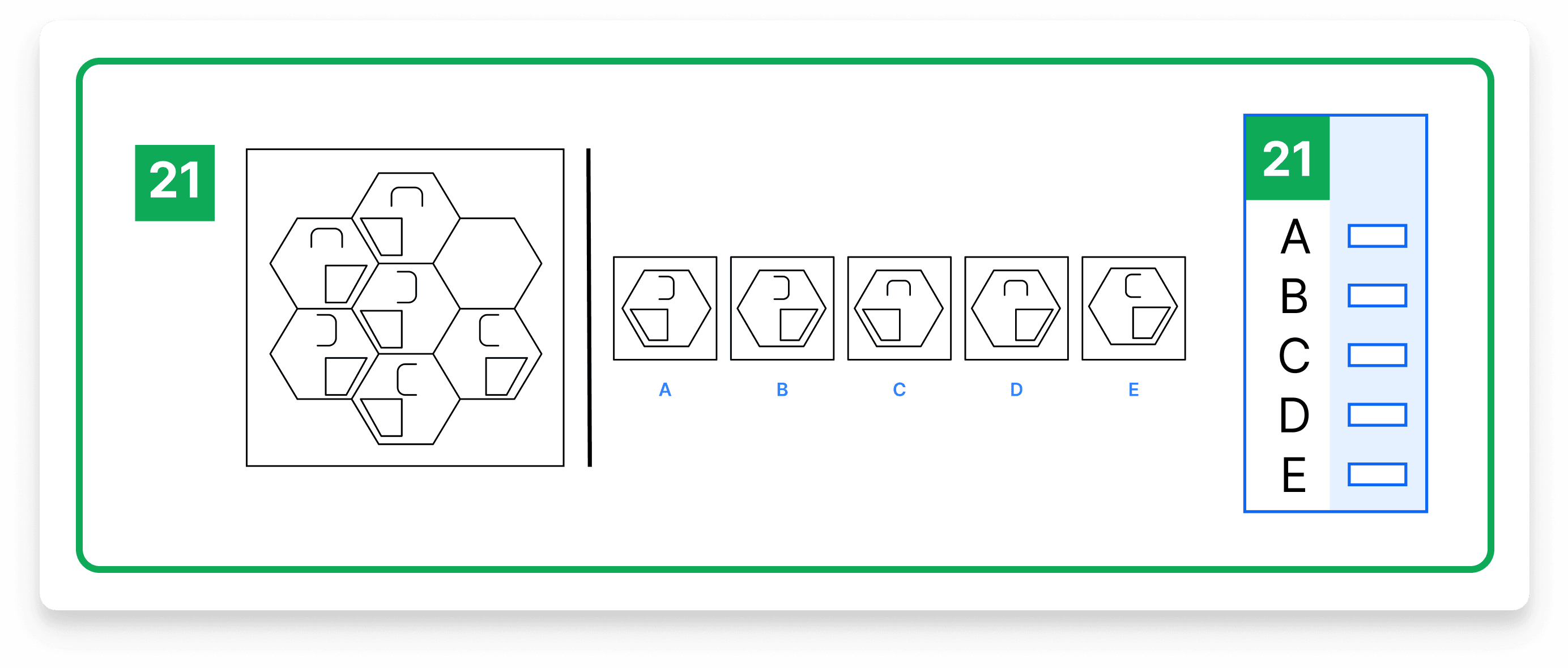
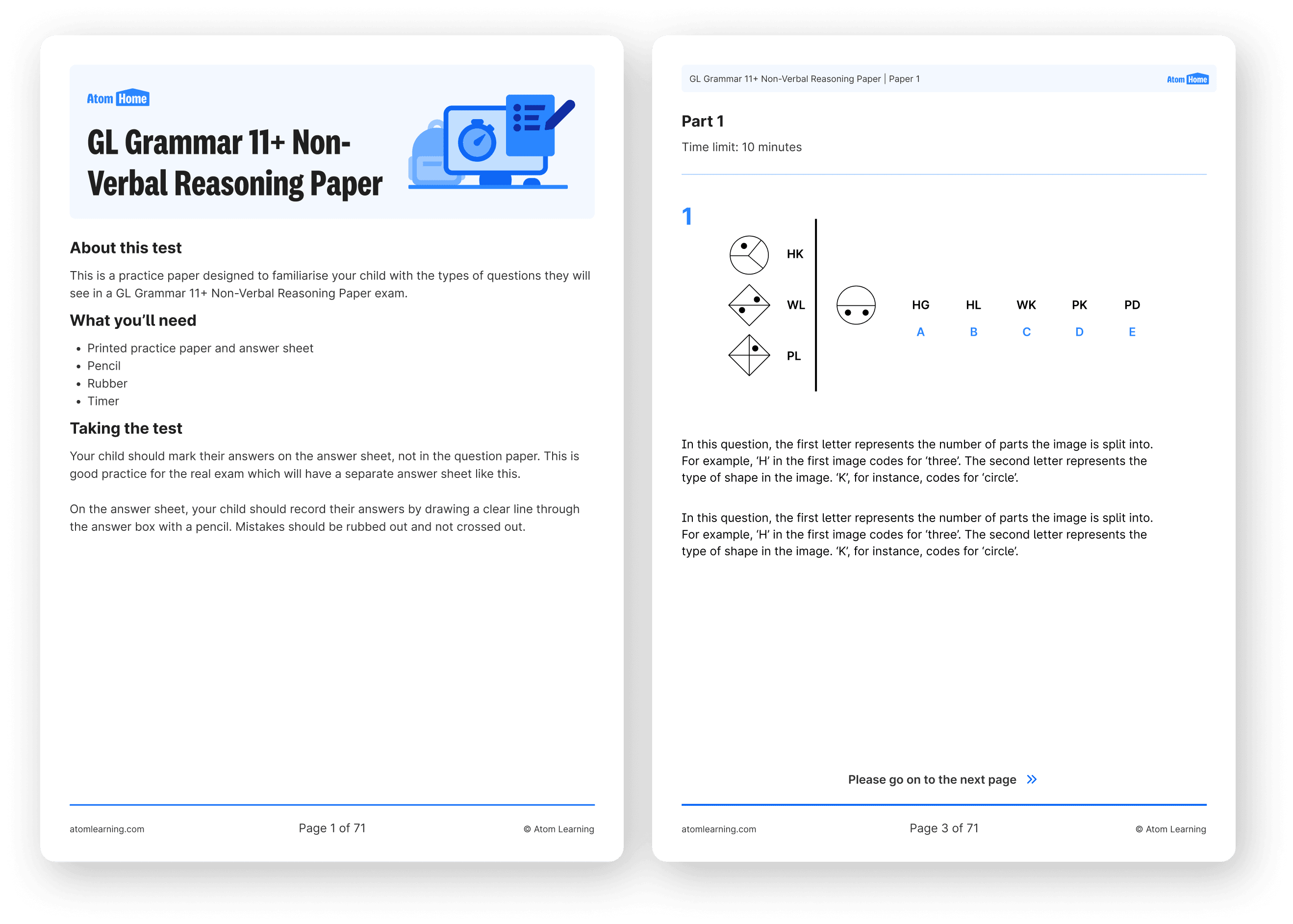
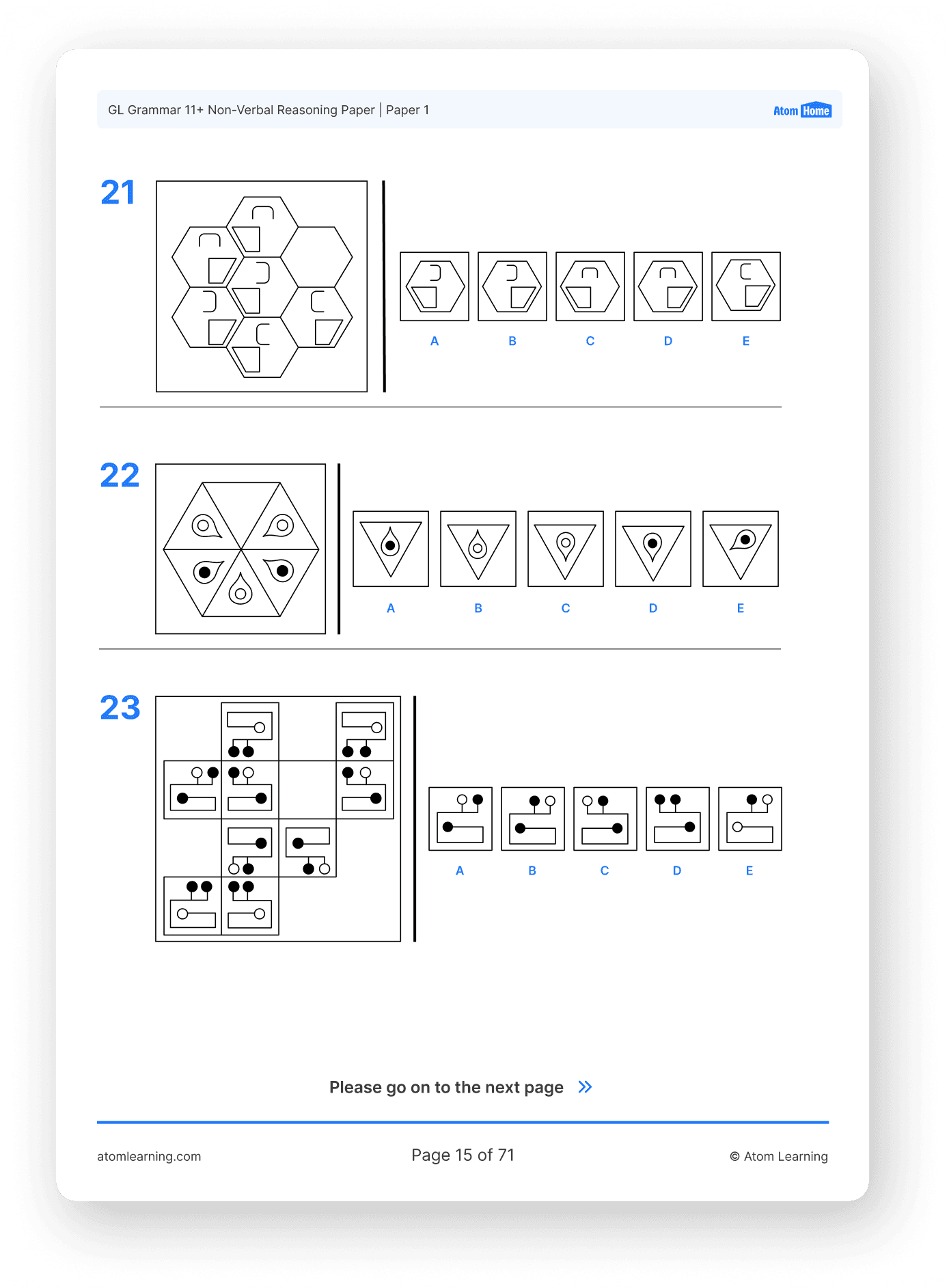
Pictured: an example 11+ question alongside the corresponding section of the answer sheet, where your child will record their answer.
3. Remember where to write answers
It might sound obvious, but it’s an easy mistake. Your child must write their answers on the answer sheet, not the question booklet.
In most 11+ exams, the question booklet is disposed of after the test. So if answers are written there by mistake, they won’t be marked, and unfortunately, your child could lose every mark on the paper.
The best way to avoid this is to make sure your child is confident with the 11+ format well before exam day. Practising with Atom’s unlimited practice papers helps reinforce these habits in a low-pressure environment.
4. Use the question booklet for rough work
Your child can (and should!) use their question booklet for any workings out, notes, or annotations during the 11+ exam. It won’t be marked and is removed after the test, so it’s the perfect space for rough work.
However, your child must keep their answer sheet clean and clear. Scribbles or notes on the answer sheet can confuse the Optical Mark Recognition (OMR), and answers may not be recognised.
Encourage your child to practise this format at home using Atom’s printable 11+ practice papers, so it becomes second nature before exam day.
5. Limit time spent on example questions
At the start of most 11+ exams, your child will be given a few example questions to work through. These questions are there to help them settle in, get used to the format, and feel confident before the real questions begin.
While these warm-up questions are helpful, it’s worth reminding your child not to linger on them for too long. A quick scan is all they need, and then they can move on, focused and ready.
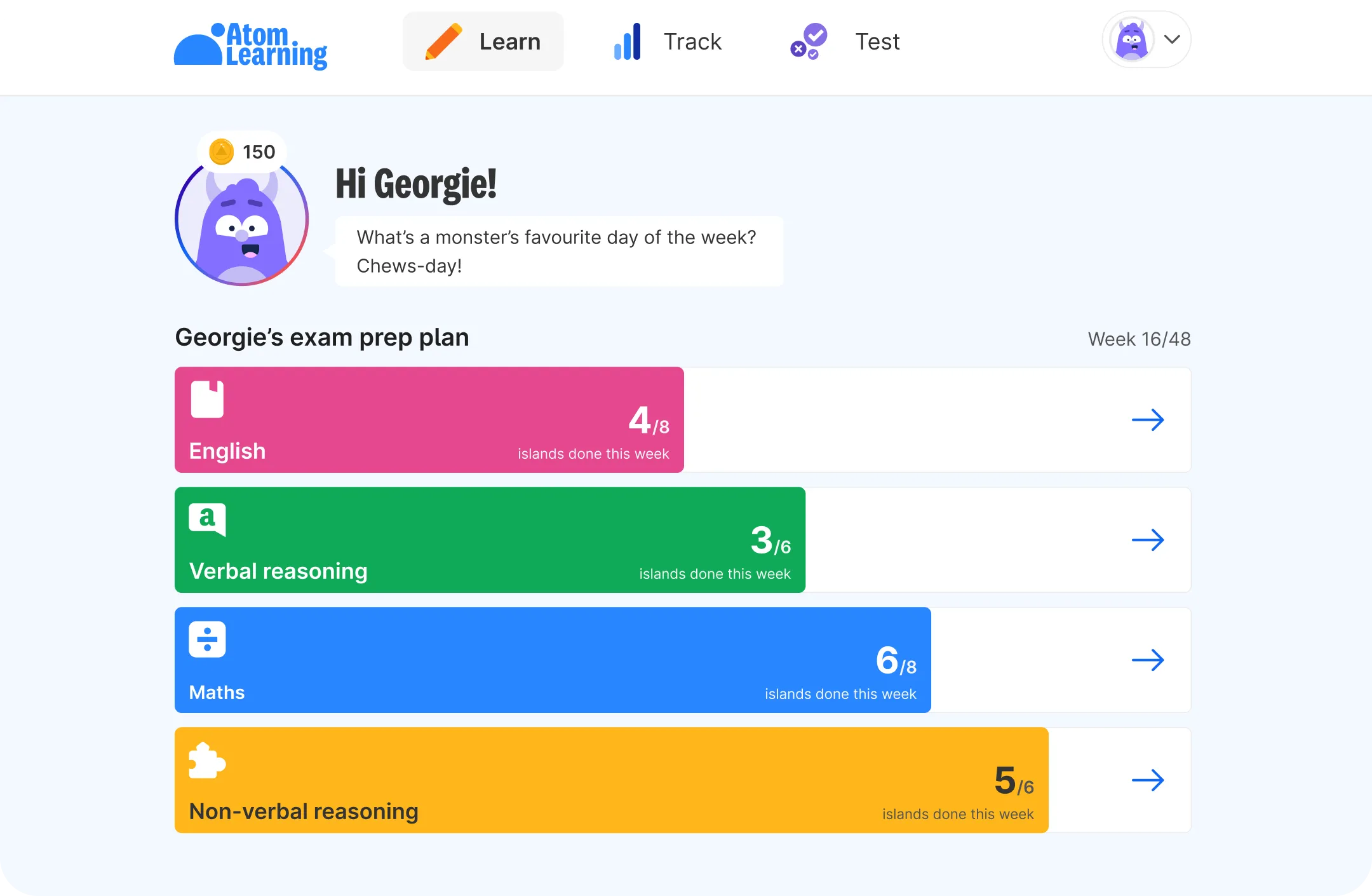
Practising this kind of time management is just as crucial as content revision. Atom’s adaptive learning platform helps your child build strong exam technique, so they know how to stay focused and make the most of every minute.
.avif)
